Overview
>-
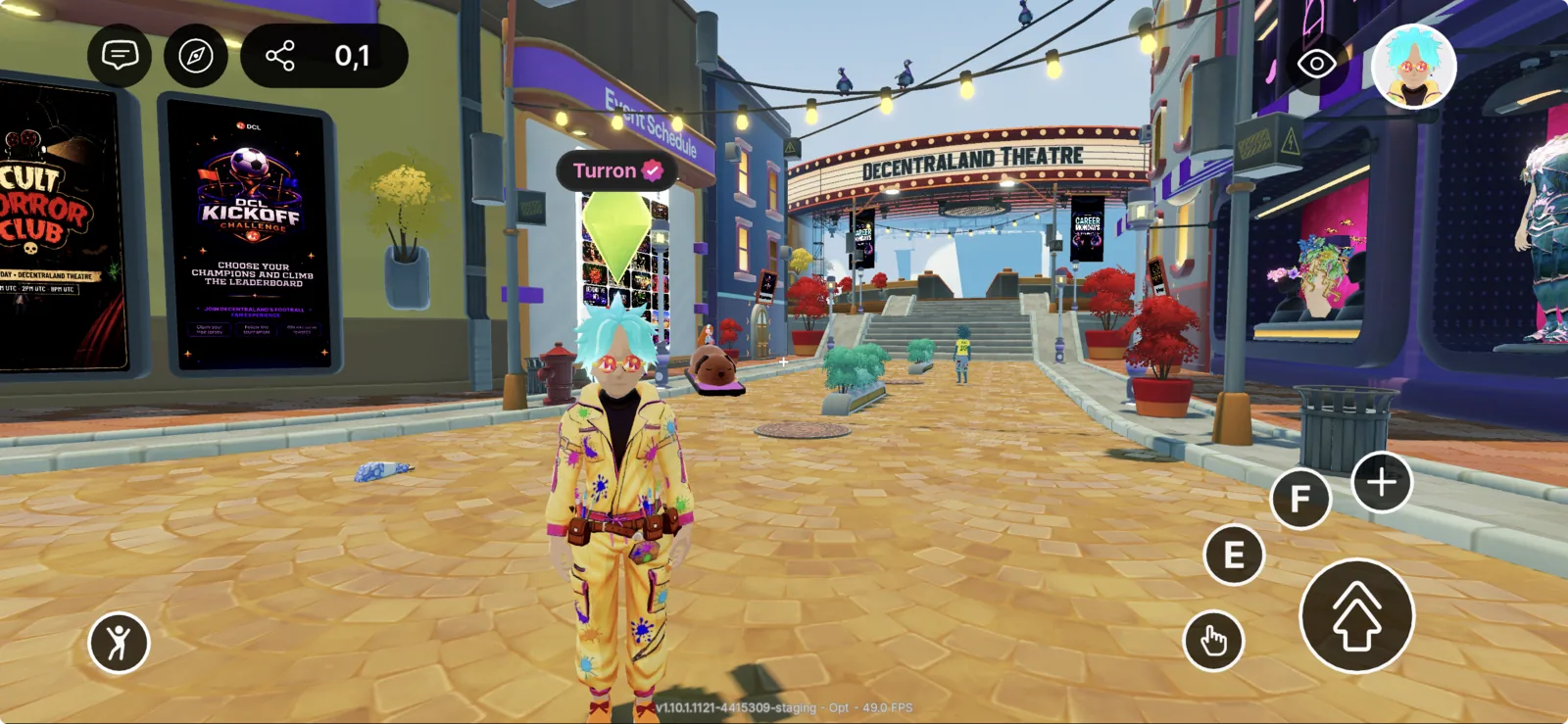
Decentraland is now available on mobile. Players can explore your scenes from iOS and Android devices, in addition to the desktop client and the web. As a creator, you can adapt your scenes so they look great and play well on touch-based devices.
Get the mobile app
Building for Mobile
Reference
- Sample Scenes — open-source scenes built by the Decentraland team and optimized for mobile play.
- Missing Features — features available on the desktop client that are not yet supported in the mobile app.
- Hardware Requirements — minimum and recommended hardware specs for running Decentraland on mobile.
Develop
- Detect the platform from code — use
isMobile()to branch your scene's logic and UI per platform. - Preview your scene on mobile — preview directly on a phone via the Creator Hub or the CLI.
- Mobile safe area — the device's hardware margins (notch, home indicator) and the regions the client's own controls occupy; pick the area your UI is placed in with
screenInset. - UI best practices for mobile — DOs and DON'Ts, sizing recommendations, and current limitations.
- Input on mobile — touch-friendly input mappings and which
InputActions to avoid. - Optimize Performance — mobile scene limits, how to preview them in Creator Hub, and performance targets.
Publish
- Get featured on mobile Discover — submission requirements for the mobile Discover section.
- iOS curation — how iOS content curation works and how to submit your scene or world for review.
Quick checklist
Before publishing a scene that should work well on mobile, make sure that:
- You have previewed the scene on a real device — see Preview your scene on mobile.
- All critical UI elements stay inside the mobile safe area.
- Your UI is sized large enough for touch — follow the UI best practices.
- Key actions are not bound to
IA_SECONDARYorIA_ACTION_3–IA_ACTION_6(theFand1/2/3/4keys), whose buttons are hidden by default on mobile, unless your scene shows them — see Input on mobile. - Your scene's Performance is above 90% on the High Graphics Profile on a mid-range phone — see Hardware Requirements for reference devices.